How do I enable app locking?
Install AppLockr, set up a PIN, grant the required permissions and select the apps to protect. Turn on Quick Lock to apply protection.
Read the full answerProtect your apps with a PIN or fingerprint, hide notifications and check access attempts with the intruder selfie feature.
Get AppLockr on Google Play Read the app locking guide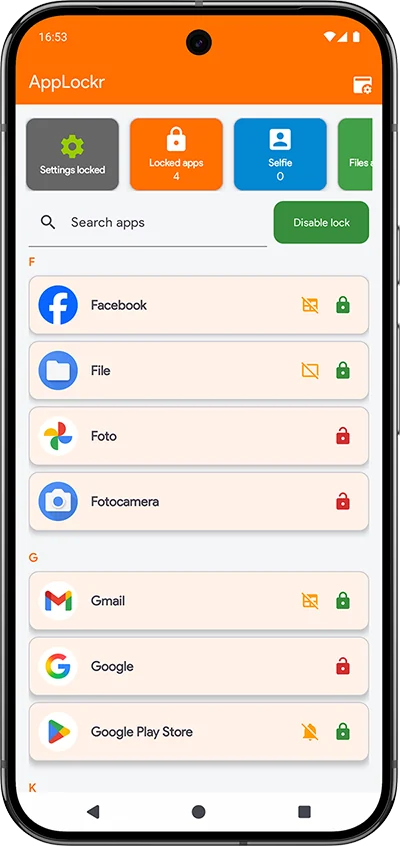
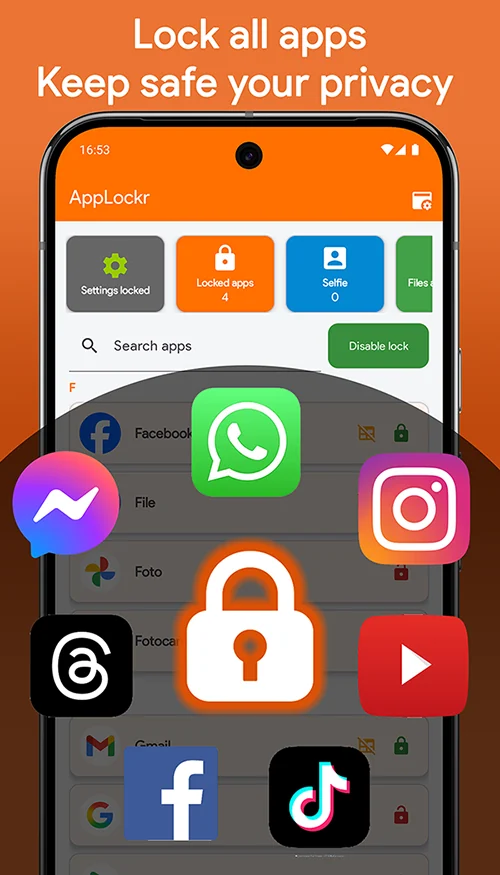
Choose which apps to protect on your Android phone and require a PIN or biometric authentication to open them. App locking adds an access check when you lend your phone to someone or leave it unlocked.
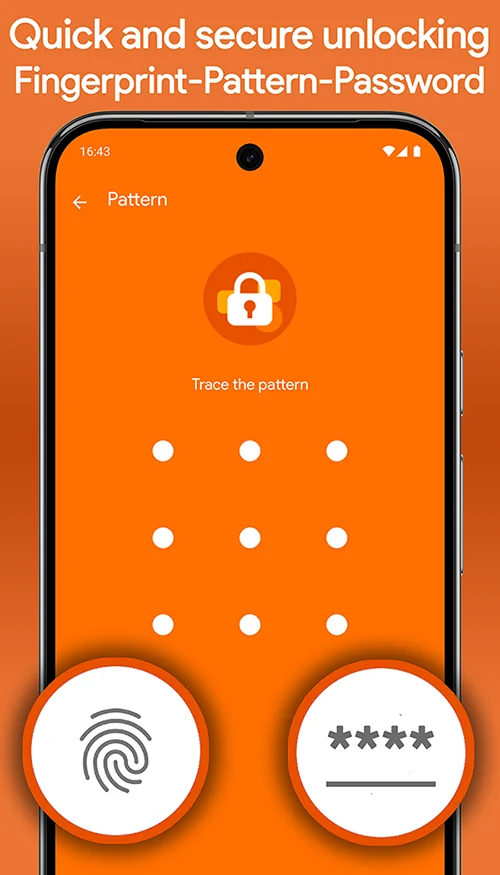
Install AppLockr from Google Play, grant the required permissions and select the apps to protect. For each app, you can lock access, hide notifications or enable both. Quick Lock and the widget let you enable or pause protection.
Check permissions and troubleshooting in the FAQ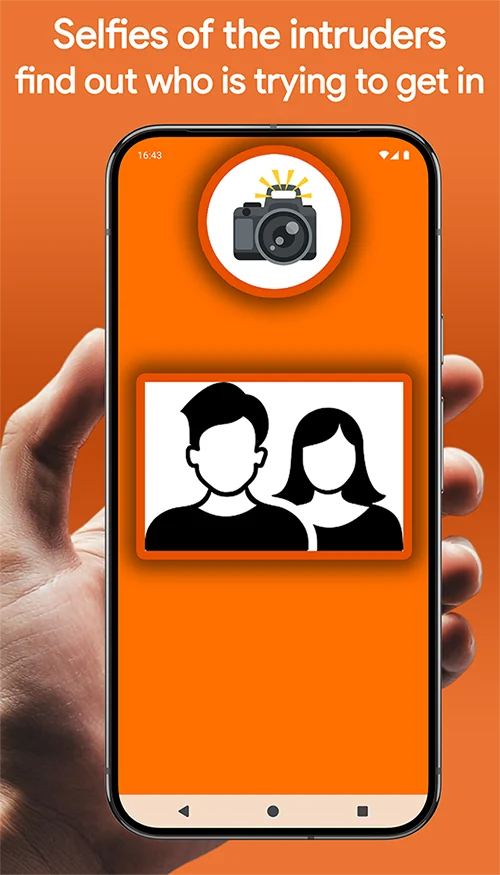
Enable Intruder Selfie to take a photo with the front camera when someone enters the wrong PIN. Photos are saved on your device and can be viewed in the app.
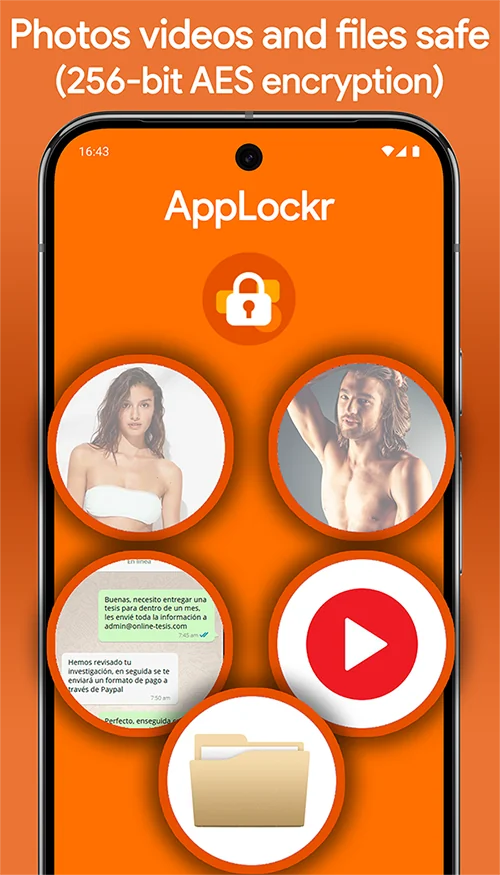
Use the AppLockr Vault to encrypt photos and files and restore them when needed. Protected files remain on your device and are not uploaded to our servers.
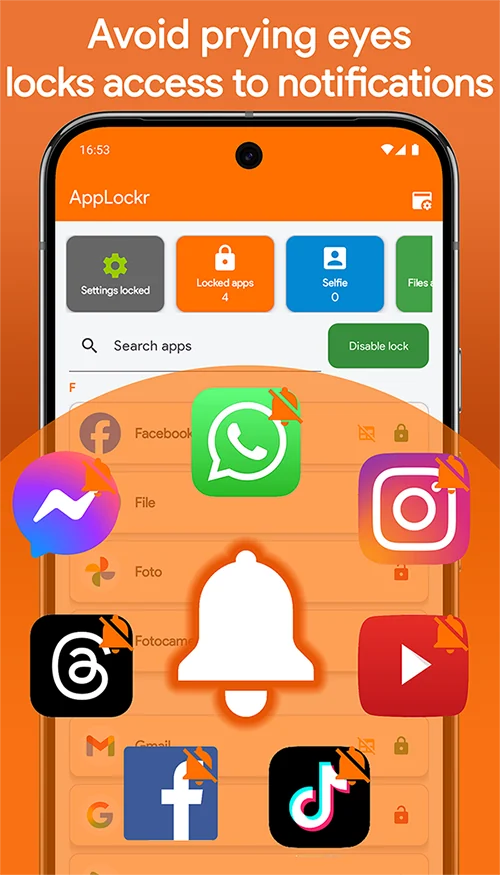
Hide notifications from selected apps, lock access to them or enable both protections. Choose the mode from the menu beside each app and grant notification access when prompted.
Check permissions and troubleshooting in the FAQThe essentials before you start. The FAQ also covers permissions and setup.
Install AppLockr, set up a PIN, grant the required permissions and select the apps to protect. Turn on Quick Lock to apply protection.
Read the full answerYes. For each app, choose App, Notifications or Both, depending on the protection you want.
Read the full answerThe free version contains ads. A Premium purchase removes ads and is linked to your Google account.
Read the full answerCheck permissions, battery optimization and your device’s background activity settings. The guide explains the steps.
Read the full answer